

The Truth About Accessibility Compliance Testing: One Screen Reader Isn’t Enough

Jeffrey Rodgers
October 22 10 min read Image Caption
If you think accessibility compliance testing means running a quick automated scan and checking your site with one screen reader, this blog is for you.
Here’s the uncomfortable truth: the landscape of disabilities and assistive technologies is incredibly diverse. Testing with just JAWS or NVDA and calling it done is like testing your website on Chrome and assuming it works perfectly on Safari, Firefox, and Edge. Actually, it’s worse than that—because the stakes are much higher and the combinations far more complex.
The Reality of Disability Diversity
When most people think about digital accessibility, they picture someone who is blind using a screen reader. That’s certainly one important user group, but it’s just the beginning of the story. Disabilities exist on a spectrum and often occur in combinations that dramatically change how someone interacts with technology.
Let’s break down what we’re really dealing with:
Visual Disabilities
- Total blindness: Complete loss of vision requiring screen readers and often Braille displays
- Low vision: Partial vision loss where users combine screen magnifiers with screen readers and high-contrast modes
- Color blindness: Difficulty distinguishing certain colors, requiring color-insensitive design
- Low vision combined with motor impairments: Where users need both visual assistance and alternative input methods like voice control
Auditory Disabilities
- Deafness: Complete hearing loss requiring captions, transcripts, and visual alerts
- Hard of hearing: Partial hearing loss with similar needs
- Deafblindness: Combined hearing and vision loss requiring Braille displays and haptic feedback
- Deaf with cognitive disabilities: Requiring captions plus simplified interfaces and plain language
Physical and Motor Disabilities
- Limited arm mobility: Users who rely on voice input, switch devices, or keyboard-only navigation
- Quadriplegia: Severe motor impairment requiring eye-tracking systems or specialized switch controls
- Tremor disorders: Like Parkinson’s, requiring keyguards and motion filters
- Single hand use: Requiring adapted keyboard or mouse configurations
Cognitive and Learning Disabilities
- General cognitive disabilities: Requiring simplified interfaces and text-to-speech
- Cognitive with motor impairments: Needing both simplified layouts and adapted input methods
- Intellectual disabilities: Requiring predictable UI patterns and clear navigation
- Memory impairments: Needing consistent layouts and clear wayfinding
- Dyslexia: Requiring text-to-speech, custom fonts, and color adjustments
- ADHD: Needing distraction-free modes and predictable interfaces
- Autism spectrum: Requiring sensory-friendly design and consistent patterns
Other Disability Types
- Speech impairments: Where voice input isn’t an option
- Light sensitivity: Requiring high contrast modes and reduced brightness
- Temporary disabilities: Like a broken arm or eye surgery recovery
- Situational disabilities: Like trying to use a device in bright sunlight or a noisy environment
- Gradual disabilities: Age-related changes that slowly reduce vision, hearing, or dexterity
That’s a lot more than “just screen reader users,” isn’t it?
Why Every Screen Reader Is Different
Here’s where accessibility compliance testing gets particularly tricky. Not all screen readers are created equal, and they don’t all behave the same way.
The Major Players
The most common screen readers include:
- JAWS (Job Access With Speech): The most popular commercial screen reader, particularly in professional settings
- NVDA (NonVisual Desktop Access): A free, open-source option widely used around the world
- VoiceOver: Apple’s built-in screen reader for macOS and iOS
- TalkBack: Google’s screen reader for Android
- Narrator: Microsoft’s built-in Windows screen reader
Each of these technologies was developed by different teams, uses different algorithms for interpreting web content, and has different feature sets. Think about it: JAWS has been around since 1995 and has had decades to become incredibly robust and feature-rich. NVDA, while excellent, was first released in 2006 and has different strengths. VoiceOver is tightly integrated with Apple’s ecosystem, which gives it unique advantages but also means it behaves quite differently from Windows-based readers.
Why These Differences Matter for WCAG Testing
When you’re conducting WCAG testing, these differences become critical. Here’s what can happen:
A navigation menu might work perfectly with NVDA but completely break with JAWS because of how each handles ARIA landmarks. A form that’s accessible with VoiceOver on iOS might be unusable with TalkBack on Android because of different gesture controls and announcement patterns. A data table that JAWS navigates beautifully might confuse NVDA users because of different table navigation commands.
This isn’t about one screen reader being “better” than another. It’s about them being different tools built by different developers with different approaches to solving the same problems. Your accessibility compliance testing needs to account for these differences.
The Assistive Technology Combination Challenge
But wait—it gets even more complex. Many users don’t rely on just one assistive technology. They use combinations.
A user with low vision and limited mobility might use:
- Screen magnification software
- A screen reader for complex content
- Voice input for navigation
- Keyboard shortcuts when voice recognition fails
Someone who is deafblind might use:
- A refreshable Braille display
- A screen reader in Braille-only mode
- Specialized keyboard input
A person with cognitive and motor impairments might combine:
- Text-to-speech for comprehension
- Switch controls for input
- A simplified browser interface
When you’re planning your WCAG testing strategy, you need to consider not just individual assistive technologies, but how they work together. A feature might pass testing with keyboard navigation alone but fail when someone tries to use keyboard navigation with a screen reader. An interface might work with voice control but break completely when someone combines voice control with screen magnification.
Understanding Your Users and Use Cases
This brings us to perhaps the most important principle in accessibility compliance testing: understanding who will actually use your digital product and how they’ll use it.
Not every application needs to be tested with every possible assistive technology combination. That would be prohibitively expensive and, frankly, unnecessary. What you need is a strategic approach based on your actual user base and use cases.
A Real-World Example: Diagnostic Imaging Platform
We work with a client who develops a diagnostic imaging platform for hospitals. When we started discussing their WCAG testing strategy, we had to think carefully about their end users.
Radiologists reading medical images? They need full vision—that’s a job requirement. Testing the image viewing interface for screen reader compatibility would be a waste of resources. However, the same platform is used by medical assistants, and other medical staff. These users absolutely can have various disabilities.
So here’s how we approached their accessibility compliance testing:
We focused heavily on:
- Keyboard navigation: Many users with motor impairments can’t use a mouse effectively
- Built-in assistive technologies: OS-level magnification, high contrast modes, and voice input that don’t require additional software
- Form accessibility: Because data entry is a huge part of the workflow for administrative staff
- Consistent navigation patterns: Essential for users with cognitive disabilities
We tested less extensively on:
- The actual image viewing interfaces (beyond basic keyboard access)
- Complex Braille display interactions (lower probability given the medical setting and workflows)
This strategic approach meant we could allocate testing resources where they’d have the most impact on real users while still maintaining comprehensive WCAG compliance.
Permanent, Temporary, Situational, and Gradual Disabilities
When planning your accessibility compliance testing, remember that disabilities aren’t always permanent. This concept, popularized by Microsoft’s inclusive design principles, fundamentally changes how we think about accessibility.
Permanent disabilities are what we typically think of—someone who is blind, deaf, or has cerebral palsy. These users rely on assistive technologies daily.
Temporary disabilities might include a broken arm, eye surgery recovery, or a concussion. Someone with a broken dominant hand suddenly needs keyboard-only navigation. Someone recovering from LASIK surgery needs high contrast modes and screen magnification.
Situational disabilities happen when the environment creates a disability. Trying to watch a video in a noisy train station creates a temporary “deafness”—you need captions. Using a phone in bright sunlight creates a vision impairment—you need high contrast and larger text. Carrying groceries while trying to use your phone? You’re temporarily one-handed.
Gradual disabilities are the slow changes that come with aging. Presbyopia makes reading small text harder. Arthritis reduces dexterity. Hearing naturally declines. If you’re building products for the general public, you’re building for people experiencing gradual disabilities whether you realize it or not.
When you conduct WCAG testing, considering these different disability types helps you understand why comprehensive testing matters. An executive who breaks his wrist might suddenly need the same accommodations as someone with a permanent motor disability. A user sitting in their backyard on a sunny day needs the same contrast ratios as someone with low vision.
Building a Strategic Testing Approach
So how do you build an effective accessibility compliance testing strategy without testing every possible combination of assistive technology?
Start with Your User Research
Who are your actual users? What disabilities are most common in your user base? If you’re building educational software, you’ll have different considerations than if you’re building financial software for retirees.
Talk to your users. Survey them about the assistive technologies they use. Look at your analytics data for clues about user behavior. Are lots of people using keyboard-only navigation? Are mobile users in certain regions having trouble?
Prioritize Based on Impact
Focus your WCAG testing on the assistive technologies and combinations most likely to be used with your product. Test thoroughly with:
- The most common screen readers for your target platforms (JAWS and NVDA for Windows, VoiceOver for Mac/iOS, TalkBack for Android)
- Keyboard-only navigation (essential for virtually every disability type)
- Voice input (increasingly common)
- Screen magnification (used by many people with low vision)
- High contrast modes (used by people with various vision impairments)
Test Critical Paths Extensively
Your WCAG testing should focus intensively on critical user journeys. Can someone complete your checkout process with only keyboard navigation? Can they fill out your contact form using voice input? Can they navigate your content with a screen reader?
Less critical features can receive lighter testing, but anything essential to your product’s core function needs thorough accessibility compliance testing with multiple assistive technologies.
Remember the Combinations
Don’t just test each assistive technology in isolation. Test common combinations:
- Screen reader + keyboard navigation
- Screen magnification + screen reader
- Voice input + screen reader
- High contrast mode + keyboard navigation
These combinations often reveal issues that single-technology testing misses.
The Accessiblü Approach
At Accessiblü, we understand that accessibility compliance testing isn’t about checking boxes—it’s about ensuring real people can actually use your digital products. Our Managed Accessibility Ops model means we’re continuously testing and remediating issues as your product evolves.
Unlike traditional audit models that hand you a massive list of problems and walk away, we work alongside your team to identify issues and fix them simultaneously. We understand that different applications serve different users, and we tailor our WCAG testing approach accordingly.
We test with multiple screen readers. We test with different input methods. We test with various assistive technology combinations. And we do it in the context of your actual users and their real-world needs.
The Bottom Line
One screen reader isn’t enough for comprehensive accessibility compliance testing. One automated tool definitely isn’t enough. One testing pass isn’t enough.
Accessibility is as dynamic as cybersecurity—it requires ongoing attention, multiple tools, and a deep understanding of how diverse users interact with technology. The disability community is incredibly diverse, assistive technologies are constantly evolving, and user needs vary dramatically based on context and use case.
Your WCAG testing strategy should reflect this reality. Focus on your actual users. Test with multiple assistive technologies. Consider combinations. Understand both permanent and temporary disabilities. And most importantly, don’t just identify problems—fix them.
Because at the end of the day, accessibility compliance testing isn’t about avoiding lawsuits (though that’s certainly a benefit). It’s about making sure everyone who needs to use your product actually can.
Ready to build a comprehensive accessibility testing strategy that goes beyond surface-level compliance? That’s exactly what we do at Accessiblü. Let’s talk about how we can help you move from accessibility paralysis to implementation.
 October 03 12 min read
I got an email last week that made me both laugh and cringe at the same time. A procurement manager…...
 August 06 11 min read
How the traditional audit-first approach keeps businesses stuck in an expensive cycle of non-compliance—and what actually works instead. If you’re…...
 July 31 9 min read
Why We Recommend Managed Accessibility Ops Over Traditional Audits When potential clients reach out to Accessiblü, most ask for the…...
 July 29 14 min read
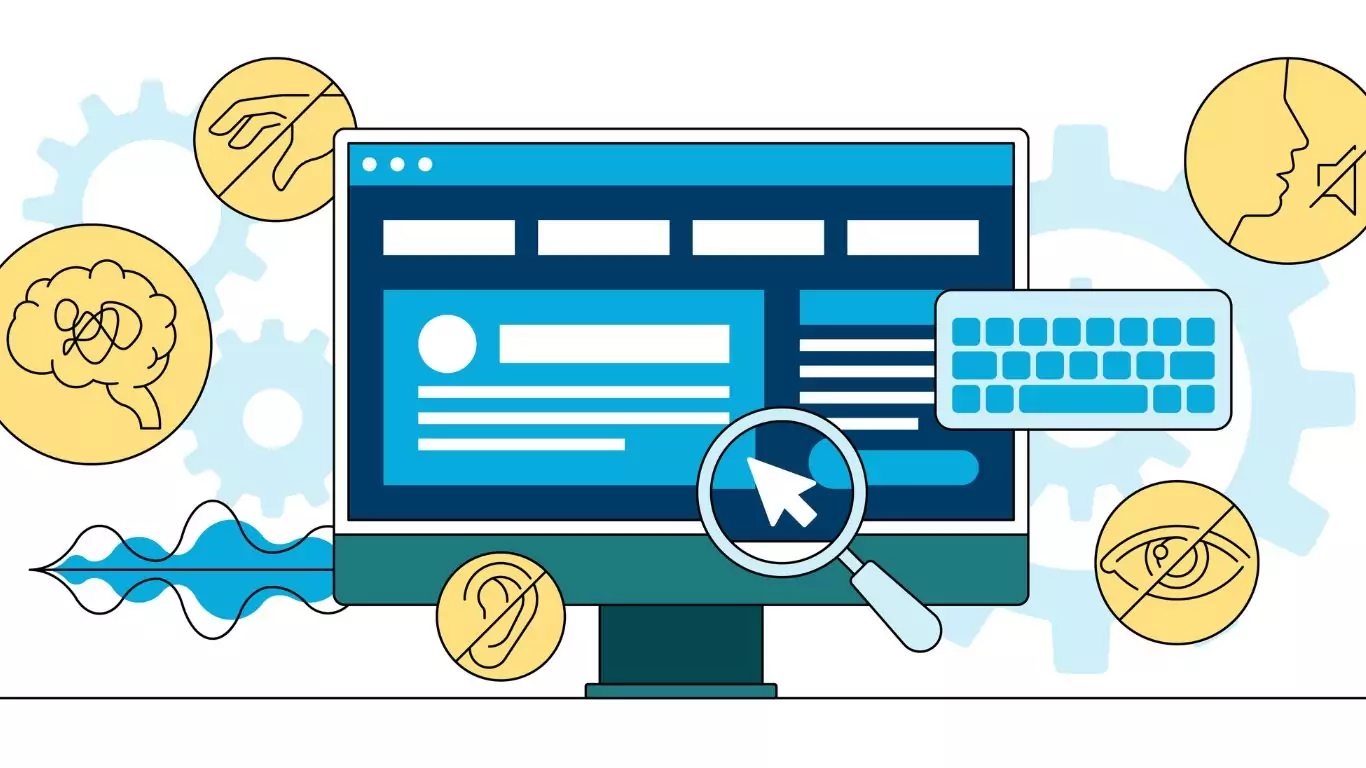
By Shannon Nix, Lead Conformance Specialist, and Rick Flores, Lead Auditor at Accessiblü You know that moment when you think…...
 May 02 9 min read
May 15th marks Global Accessibility Awareness Day (GAAD), a worldwide event dedicated to raising awareness about digital accessibility and inclusion.…...
 April 28 12 min read
In today’s digital landscape, accessibility isn’t just a nice-to-have—it’s increasingly becoming a business imperative. If you’re a CEO, CTO, or…...
April 03 11 min read
In my years leading digital accessibility initiatives, I’ve witnessed a recurring pattern: organizations invest heavily in accessibility audits, only to…...
March 23 5 min read
In the digital age, where customer satisfaction and brand loyalty drive success, ensuring your digital assets are accessible is not…...
 September 05 8 min read
Digital accessibility presents a significant challenge for company executives. Many leaders mistakenly view it as a simple fix or an…...
 August 28 9 min read
In today’s digital-first world, ensuring your website, desktop applications, and mobile apps are accessible is not just a matter of…...
 August 28 5 min read
Are you responsible for ensuring digital accessibility on your company’s website, app, or digital assets? Then you know that in…...
July 01 9 min read
Ensuring digital accessibility is a crucial responsibility, yet interpreting and addressing the findings from accessibility audits can pose significant challenges…...
 June 28 7 min read
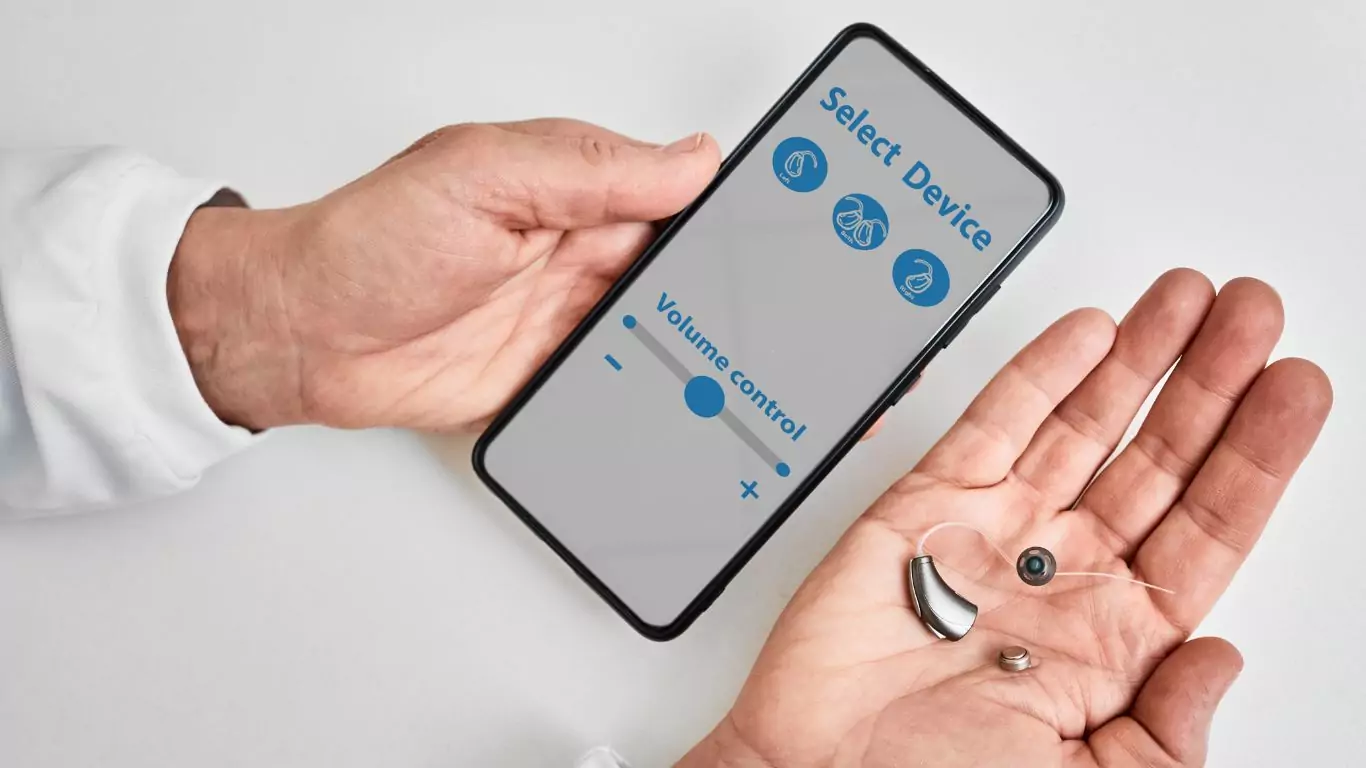
In today’s interconnected world, mobile applications serve as gateways to information, services, and experiences for diverse audiences. However, ensuring these…...
April 10 10 min read
In a significant move towards inclusivity, the Department of Justice (DOJ) recently issued a final rule under Title II of…...
March 15 12 min read
Knowing what to ask for in an accessibility contract or Request For Proposal (RFP) will help ensure that you get…...
December 11 10 min read
As businesses increasingly recognize the importance of creating inclusive digital experiences, there is a growing demand for manual accessibility audits.…...
 December 01 10 min read
In today’s digital landscape, web accessibility is essential to ensuring equal access and inclusion for all users. Accessibility overlays have…...
November 07 11 min read
When it comes to evaluating the accessibility of your website or app, understanding which type of audit report is best…...
 September 18 15 min read
Accessibility is a fundamental aspect that all website owners and developers should consider. Understanding how people with disabilities navigate the…...
 October 31 11 min read
Over the years of working with businesses on accessibility conformance, we’ve seen the same mistakes made over and over again.…...
August 19 9 min read
Digital Overlays are not accessible, and are not ADA compliant. Good web design from the beginning or an accessibility audit…...
August 12 9 min read
Digital Overlays are not accessible, and are not ADA compliant. Good web design from the beginning or an accessibility audit…...
 May 16 5 min read
Global Accessibility Awareness Day (GAAD) is every third Thursday in May – this year it is May 19, 2022 On…...
 October 15 5 min read
Website ADA audits are typically the initial offering from the accessibility industry; they promise to find all of the accessibility…...
 September 03 5 min read
TLDR: Ask your accountant about the Disabled Access Credit. You can claim 50% of what you spend on web accessibility…...