

Why Accessibility Overlays Fail – Part 1

Jeffrey Rodgers
August 12 9 min read Image Caption
Accessibility overlays have become popular because they promise a cheap and foolproof way of achieving accessibility. However, like most things that sound too good to be true, these overlays fall short of providing an acceptable solution for various reasons.
Digital accessibility should be a priority for every business, website, or app. WCAG (Web Content Accessibility Guidelines) have been developed as a set of guidelines for individuals and businesses to meet these sets of criteria digitally. WCAG guidelines define how to make web content, including text, images, and sound, accessible to people with disabilities.
The best way to know if a website is accessible is to either do it the right way the first time while building it or to remediate it with a reputable accessibility company that audits through manual testing.
Overlays miss the vital information defining WCAG criteria because they don’t address each criterion; they just cover them up.
Overlays, as they stand, are not the answer, nor is just AI and automated testing, which can only detect about 30% (+-) of the actual accessibility pitfalls in a website. It takes a specialist or an auditor who can use assistive technology; to detect in real-time the WCAG errors, alerts, and issues. That is the proper way to do it.
Overlay widgets are unnecessary and are poorly placed in the technology stack.
source: Karl Groves’ Overlay Fact Sheet
Overlays are a broad term for technologies that aim to improve the accessibility of a website. They apply third-party source code (typically JavaScript) to make improvements to the front-end code of the website. Overlay Fact Sheet
What are Overlays
So, what exactly are accessibility overlays? Have you seen an accessibility icon on your mobile device’s side or bottom of the screen (image below)? That little round icon of an outline of a person with its’ arms open in the circle, is the Accessibility Icon.

The accessibility overlay is typically a JavaScript, third-party source code designed as a widget or plug-in tool. They claim to automatically apply common accessibility fixes for disability users to use while navigating a site.
When the icon is selected, a pop-up is activated, and the user activates sliders indicating varying disability needs to create a better user journey for that person.
Accessibility overlays claim the widget fixes disability barriers in real time by offering display options to work around the most common accessibility problems on a webpage, like color contrast, text sizing, and font changes.
Sounds great, right? Sure, to someone without a disability who does not rely on assistive technology.
However, to those who do, these overlays fail from the start. This is not evident to everyone, and many disability users have encountered even more digital barriers because of these overlays.
There is a privacy problem as well; exposing the individual and having them admit they have a disability, and for the plug-in to store that data about their disability is a privacy rights issue and violates the ADA.
Overlay and the Sales Tactic
The accessibility overlay vendors shift all the effort to the user. The user must figure out the icon and how to toggle the slides according to their needs. Usually, it falls into a keyboard trap or an accessibility error, alert, or issue which is an accessibility violation.
Pasting an overlay is like pasting a band-aid over a gaping wound; it won’t stop the underlying issue. The trend is that many businesses have turned to the allure of the PR and marketing machines behind the accessibility overlay companies because it sounds so easy to use.
Based on their websites, annual fees and/or monthly fees ranging from $50 to $1,000, pricing is based on their websites’ tiered pricing and how many pages a site may have. A business just plugs the overlay widget on the front end of the website, and is done.
For the non-disabled everyday user, designer, executive, or development team designing the website or who are in charge of it, they opt for what seems like a perfect solution, the accessibility overlay. They think, “Wow!” Select this little accessibility icon; voila, that person with a disability can change the site to meet their needs…” For a person with a disability the difficulties navigating to the icon has become more difficult.

A hand holding a mobile phone with a news app. Am accessibility overlay icon floats along the left side of the screen.
Why Overlays Fail
First, the user may not know an overlay is even there! Overlays are often placed at the end of a page where a user of assistive technology (AT) can’t see them until they navigate the entire page. Kind of counterintuitive huh?
If the user does find it, and enables it, then a pop-up with sliders appears. Overlays are not easy to use for people with dexterity, low or no vision, or for people with assistive technologies.
These sliders often do not read out. For example, if a blind or low-vision user attempts to change the sliders according to their needs, screen readers often miss the sliders, so they do not work as expected. Or, the sliders and buttons fail to indicate what is selected. Of course, only someone who relies on a screen reader knows that.
That’s the sale catch! Overlays are designed to make one feel like they are championing the rights of others when in fact, they are making it more difficult and possibly losing customers.
Simply put, digital accessibility overlays are not accessible. By using them, businesses are opening up their sites to potential litigation, paying fines, and legal fees, plus the cost of remediation. It would have cost a lot less if it was done right the first time, in the beginning or remediated properly. We know, because we are repairing the damage done by accessibility overlays when those clients land in court.
It sounds so appealing just to apply this plug-in, and with a snippet of code, everything will be accessible. Anyone who has undertaken the complexities of building a website knows there is no one-size-fits-all. It is easy to be lured in by their PR machine and videos, yet real people, with real disabilities have voiced their objections.
The Culprits
Over a dozen companies provide these digital accessibility plug-in tools. Two of the largest, are publicly traded and have reported revenues in the millions based on recent financial statements. Here are some examples of web accessibility overlays (by alphabetical order):
- AccessiBe
- Accessibility Adapter
- Accessiblelink
- Accessiway
- Adally
- Adapte Mon Web (Adapt my Web)
- Allyable
- Alchemy*
- Amaze
- AudioEye
- CrownPeak
- EqualWeb
- FACIL’iti
- Lisio
- MaxAccess
- MK-Sense
- ReciteME
- Sentinel*
- Sogo
- TruAbilities
- True Accessibility
- UsableNet Assistive
- User1st
- UserWay
- Purple Lens
* Denotes that these products are no longer developed or marketed.
NOTE: Overlay products are sometimes white labeled (sold under other names), or re-branded for certain markets, so this is not a complete list of the type of products discussed on this page. The problem persists that overlays do not actually address accessibility issues in the source code, which means people with disabilities could still be unable to navigate the website and access information at an equal level to everyone. Overlay Fact Sheet.
A recent article written by Amanda Morris at the New York Times titled: ‘For Blind Internet Users, the Fix Can Be Worse Than the Flaws,’ expresses the problem facing people with disabilities and how the accessibility overlay plug-ins or widgets are making it more difficult for the users to navigate the site. Not at all what the accessibility overlay claims it will do.
Read the full Wall Street Journal article here, ‘For Blind Internet Users, the Fix Can Be Worse Than the Flaws’ by Amanda Morris dated July 13, 2022.
Overlay Legal Issues
In 2021, more than 400 companies with an accessibility widget or overlay on their website were sued over accessibility, and over 4000 digital ADA lawsuits hit the courts. You can find out the current stats of ADA lawsuits. Check out these sources:
- Disability Class Action Lawsuits
- CaseText Legal Search Results for “WCAG”
- Userway Will Get You Sued
- Overlay False Claims: List of Clients Sued
For a lot of businesses with rising legal pressures to make their websites ADA-compliant, overlays seem the simple solution. Several of these companies using overlays have been sued repeatedly or have multiple ADA lawsuits at the same time.
Why take the risk? With rising litigation, these automated accessibility web services are becoming the fast, easy choice to turn to. Companies we’ve helped remediate after being pulled into litigation have regretted the overlays. In the long run, it costs less to fix your site before litigation and a demand letter comes knocking.
So, why would a company claim their accessibility overlays work and then offer legal support? If their product is fail-safe and can stand up to ADA compliance, why are they pushing clients into the idea that they have legal backup? Are they clearly saying, they are not compliant?
Real Lawsuit: Murphy-v.-Eyebobs
ADA Title III, Murphy-v.-Eyebobs
The 2021 lawsuit against Eyebobs is among a growing number in recent years accusing companies of breaching web accessibility standards. Proposals to fix websites with AI overlay technology are growing, too, along with rising complaints from accessibility advocates that it doesn’t work as advertised.
January 2021, Anthony Murphy, a visually impaired man, visited the eyewear retailer Eyebobs website using screen reader assistive software. The screen reader attempted to read out the site’s content, navigation buttons, and menus.
Enabling the overlay, Mr. Murphy found it harder to navigate. Eyebobs used the artificial intelligence software plug-in from AccessiBe, which promotes and promises to make websites easier for people with disabilities to navigate. They end up creating more issues for disability users.
AccessiBe states it can make a website accessible to people with impaired vision or other challenges by simply using this accessibility plug-in, “replacing a costly, manual process with an automated, state-of-the-art AI technology.”
In the lawsuit filed against Eyebobs, it was alleged that the retailer failed to provide people using screen readers equal access to its services and that the technology from AccessiBe—not party to the suit—doesn’t work as advertised.
Like many AI startups, AccessiBe markets its technology as cheaper than paying humans. Ironically, Eyebobs now must pay people anyway, by court order.
(Updated in November 2023, AccessiBe now offers manual audit services and user testing. Makes you wonder why since their overlay widget is supposed to “guarantee” WCAG conformance.)
 September 29 7 min read
I wrote about WCAG 3.0 in December 2024, when it still felt more like a rumor than a real document.…...
 September 03 11 min read
The idea for these two books didn’t come from a whiteboard session. It came from hearing the same question over…...
 June 02 9 min read
Most colleges, county governments, and state agencies breathed a sigh of relief when the DOJ extended the ADA Title…...
 April 20 9 min read
If you’ve been scrambling to meet the April 24, 2026, ADA Title II compliance deadline for web and mobile app…...
April 06 14 min read
We’re in April 2026, and the DOJ ADA Title II Rule deadline of April 24 is upon us. I’m still…...
March 30 9 min read
Every spring, WebAIM publishes its annual analysis of the top one million home pages on the web, scanning each one…...
February 17 12 min read
Over the past two months, I’ve had dozens of conversations with state agencies, county governments, and public entities who are…...
 February 04 11 min read
I think it’s about time that someone writes this blog. As an accessibility company, you may think we benefit from…...
 November 25 11 min read
If you thought navigating ADA website compliance was challenging before, there’s a new wrinkle that’s making things even more complicated.…...
November 05 12 min read
You’ve just spent hours building the perfect grade tracker in Excel. Color-coded rows show which students are excelling (green) versus…...
October 28 9 min read
Hi there — if you’re reading this, chances are you’re a C-Suite leader or a web/digital manager who cares about…...
 October 22 10 min read
If you think accessibility compliance testing means running a quick automated scan and checking your site with one screen reader,…...
 October 17 12 min read
Part 4 of 4: Why the Traditional Audit-Fix-Reaudit Cycle Keeps CFOs Awake at Night I was on an initial sales…...
 October 03 12 min read
I got an email last week that made me both laugh and cringe at the same time. A procurement manager…...
September 15 11 min read
With just 7 months until April 2026, it’s time for an honest assessment—and smarter decisions about your path forward. As…...
August 29 15 min read
Let’s talk about something: your website’s accessibility statement. If you’re in the C-suite or on the legal team, you’ve probably wondered…...
 August 19 10 min read
It’s time someone has an honest conversation about VPATs. If you’re a business leader who’s been told you need a…...
 August 06 11 min read
How the traditional audit-first approach keeps businesses stuck in an expensive cycle of non-compliance—and what actually works instead. If you’re…...
July 31 9 min read
Why We Recommend Managed Accessibility Ops Over Traditional Audits When potential clients reach out to Accessiblü, most ask for the…...
 July 22 11 min read
When compliance costs meet fiscal reality: Navigating the undue burden provision with confidence and clarity Disclaimer: This article provides general…...
 June 23 12 min read
Let’s be honest—diving into WCAG (Web Content Accessibility Guidelines) can feel like trying to read a technical manual written by…...
June 09 11 min read
If you’ve ever tried to dive into WCAG (Web Content Accessibility Guidelines), you might have felt like you were…...
May 28 16 min read
Ensuring that the technology your organization purchases is accessible to all users isn’t just a nice-to-have—it’s essential. But if you’re…...
May 20 8 min read
In 2025, accessibility isn’t just a moral imperative—it’s a legal necessity. As businesses expand their online presence, the risk of…...
 May 02 9 min read
May 15th marks Global Accessibility Awareness Day (GAAD), a worldwide event dedicated to raising awareness about digital accessibility and inclusion.…...
 April 28 12 min read
In today’s digital landscape, accessibility isn’t just a nice-to-have—it’s increasingly becoming a business imperative. If you’re a CEO, CTO, or…...
April 03 11 min read
In my years leading digital accessibility initiatives, I’ve witnessed a recurring pattern: organizations invest heavily in accessibility audits, only to…...
March 23 5 min read
In the digital age, where customer satisfaction and brand loyalty drive success, ensuring your digital assets are accessible is not…...
March 04 20 min read
This is a challenging time for public entities. The Department of Justice’s new rule under Title II of the ADA…...
February 11 8 min read
ADA Title II: Understanding the New DOJ Rule: What State & Local Leaders and Businesses Need to Know What the…...
 February 06 5 min read
Compliance, Deadlines, and What Businesses Need to Do Now The European Accessibility Act (EAA) is a game-changer for businesses operating…...
January 27 6 min read
We at Accessiblü strive to keep our political views private. However, I did feel the need to address the elephant…...
 December 13 6 min read
Exciting news in the world of digital accessibility! We’re finally getting some juicy details about WCAG 3.0 – the next…...
 November 08 8 min read
Before joining Accessiblü, I spent 20 years as an instructional designer, accessibility specialist, and LMS administrator in higher education. In…...
October 28 22 min read
As AI continues to evolve, it’s shaking things up in the world of web crawling and search. AI-powered crawlers are…...
 September 30 10 min read
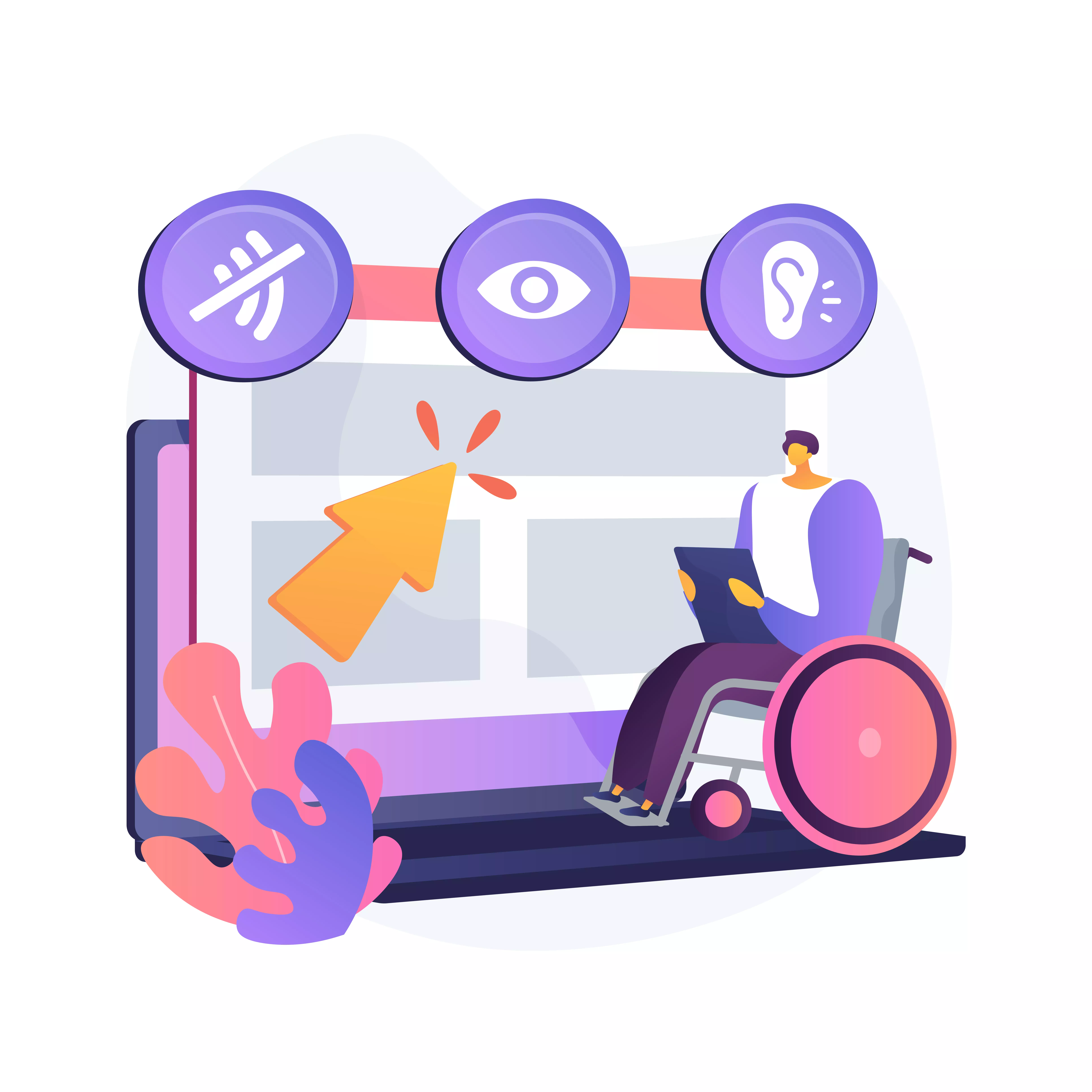
Digital accessibility is a critical challenge for many organizations. As an executive, you may be grappling with the complexities of…...
 September 23 7 min read
In today’s digital age, web accessibility has emerged as a crucial element for ensuring that individuals of all abilities can…...
 September 19 11 min read
Digital accessibility is a complex challenge. Businesses often struggle to know where to start, lacking a clear understanding of how…...
 September 16 9 min read
As the digital space continues to play a crucial role in modern political campaigns, accessibility remains a key concern that…...
 September 05 9 min read
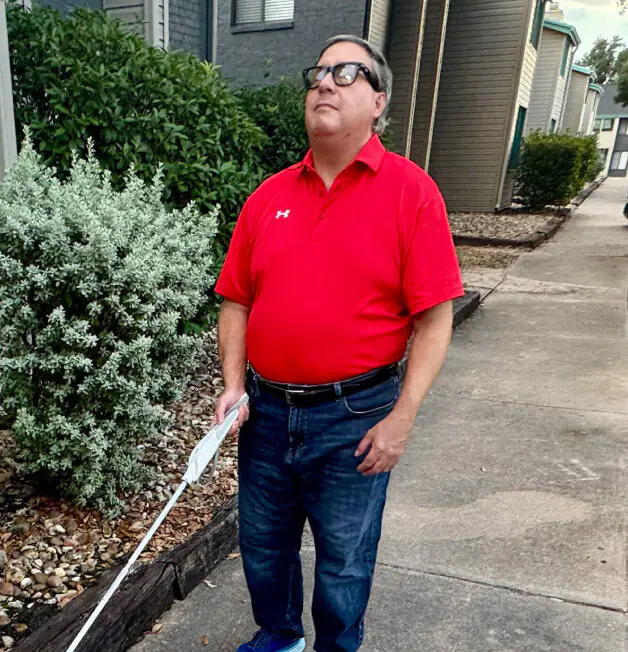
By Rick Flores, Lead Auditor for Accessiblü. In an era where technology continually transforms our lives, Artificial Intelligence (AI) stands…...
September 05 8 min read
Digital accessibility presents a significant challenge for company executives. Many leaders mistakenly view it as a simple fix or an…...
August 28 9 min read
In today’s digital-first world, ensuring your website, desktop applications, and mobile apps are accessible is not just a matter of…...
 August 28 5 min read
Are you responsible for ensuring digital accessibility on your company’s website, app, or digital assets? Then you know that in…...
July 01 9 min read
In the realm of web accessibility, automated accessibility tools are often hailed as a panacea, promising comprehensive evaluations with the…...
July 01 9 min read
Ensuring digital accessibility is a crucial responsibility, yet interpreting and addressing the findings from accessibility audits can pose significant challenges…...
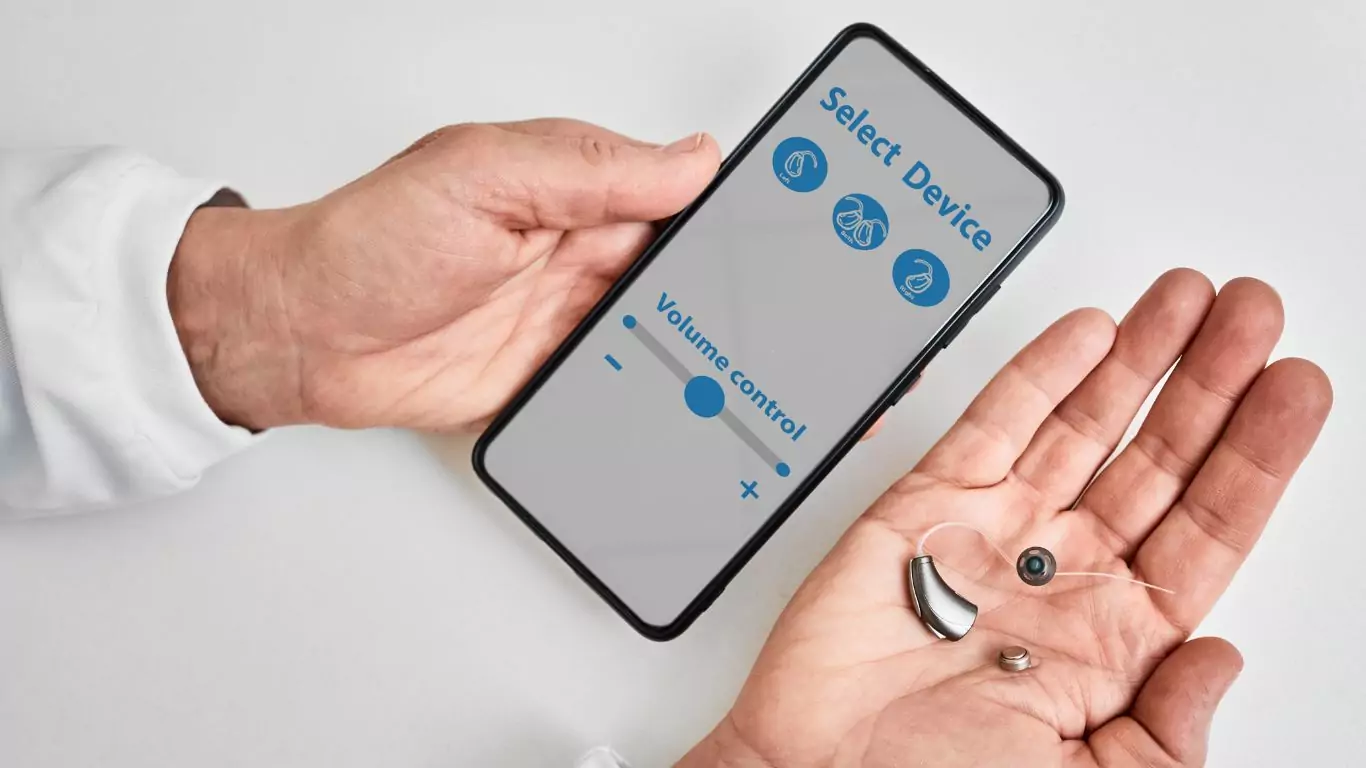 June 28 7 min read
In today’s interconnected world, mobile applications serve as gateways to information, services, and experiences for diverse audiences. However, ensuring these…...
May 10 12 min read
Organizations today meticulously strategize and execute their content development and publication efforts across websites and social media platforms. However, a…...
April 25 3 min read
Accessiblü Insight This Ablü Insight focuses on how to properly use ARIA (Accessible Rich Internet Applications) labels. This is an…...
April 18 4 min read
Accessiblü Insight: Audits vs. Testing This Ablü Insight focuses on the differences between accessibility audits and testing. Clients are often…...
April 10 10 min read
In a significant move towards inclusivity, the Department of Justice (DOJ) recently issued a final rule under Title II of…...
March 15 12 min read
Knowing what to ask for in an accessibility contract or Request For Proposal (RFP) will help ensure that you get…...
 December 20 14 min read
Looking to improve your website’s accessibility in 2024? Don’t worry; our digital accessibility plan has you covered! Entering a new…...
December 11 10 min read
As businesses increasingly recognize the importance of creating inclusive digital experiences, there is a growing demand for manual accessibility audits.…...
December 01 10 min read
In today’s digital landscape, web accessibility is essential to ensuring equal access and inclusion for all users. Accessibility overlays have…...
 November 21 12 min read
As Thanksgiving approaches, it’s essential to consider the significance of inclusive design and accessible technology in ensuring everyone can fully…...
November 07 11 min read
When it comes to evaluating the accessibility of your website or app, understanding which type of audit report is best…...
 September 18 15 min read
Accessibility is a fundamental aspect that all website owners and developers should consider. Understanding how people with disabilities navigate the…...
 September 01 10 min read
There’s been a buzz about the new WCAG 2.2 update for over a year now. After a series of delays,…...
 July 19 6 min read
The digital landscape is constantly evolving, and with it comes the need for inclusive and accessible online experiences. California has…...
 July 13 5 min read
If you own or operate a website used by the US federal government, you need to ensure it’s accessible to…...
June 29 14 min read
Businesses ready to make accessibility a priority often encounter a barrier of their own, determining the cost of a website…...
June 09 10 min read
Ensuring web accessibility is crucial for creating inclusive digital experiences that enable people with diverse abilities to access and interact…...
 May 25 10 min read
On May 19, 2023, the Department of Education (DOE) and the Department of Justice (DOJ) issued a “Dear Colleague Letter”…...
 April 28 11 min read
Unlocking the Power of Accessibility: A Guide to Creating Inclusive Websites As web developers, we believe creating an accessible, inclusive,…...
 April 14 11 min read
Mention “accessibility” in any conversation about websites or digital media; you might get a wide array of responses. Depending on…...
 October 31 11 min read
Over the years of working with businesses on accessibility conformance, we’ve seen the same mistakes made over and over again.…...
 October 20 7 min read
PDFs are notorious for being inaccessible and one of the least accessible types of document files. The reason stems from…...
 September 23 8 min read
JCC Digital Co-op, and The Jewish Community Centers online compliance for its members....

 September 02 10 min read
Web accessibility and compliance. A businesses websites needs to be compliant with the ADA laws....
 August 19 9 min read
Digital Overlays are not accessible, and are not ADA compliant. Good web design from the beginning or an accessibility audit…...
 July 15 10 min read
Cannabis industry hit with digital ADA non-compliance lawsuits 2022, cannabis ADA compliance...
 May 16 5 min read
Global Accessibility Awareness Day (GAAD) is every third Thursday in May – this year it is May 19, 2022 On…...
 April 22 10 min read
Updated for 2025 98% of the world’s top 1 million websites do not offer full accessibility With websites growing at…...
December 06 5 min read
We hear this question from businesses of all sizes, and often wonder why they ask, because the law is so…...
 October 15 5 min read
Website ADA audits are typically the initial offering from the accessibility industry; they promise to find all of the accessibility…...
October 08 5 min read
Note: this post does not constitute legal advice. You should consult an attorney regarding an ADA Lawsuit or if you’ve…...
September 24 8 min read
If you are new to the topic of web accessibility, there is a lot to absorb about what it means…...
 September 03 5 min read
TLDR: Ask your accountant about the Disabled Access Credit. You can claim 50% of what you spend on web accessibility…...