
Essentials for Your Accessibility Contract, SOW, and RFP

Jeffrey Rodgers
March 15 12 min read Image Caption
Knowing what to ask for in an accessibility contract or Request For Proposal (RFP) will help ensure that you get the best proposals for your accessibility project.
In this article, we outline everything you should consider when planning your accessibility project. Designed for companies planning an accessibility project or to solicit bids for your government contract.
You Don’t Know What You Don’t Know!
At Accessiblü, we receive many RFPs and SOWs. While some are exact about what they want, many are written in a way that makes providing an accurate estimate next to impossible.
Besides being vague, most people don’t know what they don’t know about accessibility projects. That means they leave out important information or fail to include the requirements they need to make an apples-to-apples comparison from the proposals they receive.
We want to help!
In this edition of Accessiblü Insights, we help those exploring an audit for your company. After reading this, you will be able to identify the key elements needed in proposals to easily compare accessibility vendors.
The Importance of Digital Accessibility
Your company’s website, app, and digital assets all need to be digitally accessible to everyone. This can help you avoid lawsuits, comply with laws, and make your site usable by all.
It’s not about doing a lot for a few people. By making your digital assets accessible to people with disabilities, you can increase your potential audience by 20%.
Disabilities are also not always permanent. They can be temporary, situational, and even progressive. Even if you think you don’t have any disabled users on your app or website, it doesn’t mean you won’t.
Auditing and testing your website or app for accessibility is not just morally right. It can also increase usability, traffic, and SEO performance!
Accessibility Procurement: The Basics
Accessibility should be a key consideration from the beginning of the procurement process to ensure that any product, service, or system acquired meets the necessary accessibility standards.
Procurement has two sides.
- First is when you, as a company, procure accessible information and communication technology (ICT) for your employees. Depending on the size and type of your business, you may fall under Title II of the ADA or Section 508. However, this article is about the other half of procurement.
- The other half of the procurement process involves ensuring that your website or digital products meet the procurement requirements. This is why companies and digital agencies need an audit or testing. Documentation of accessibility conformance is the only way to ensure that an app, software, or website is accessible and meets ADA or 508 requirements.
When creating an RFP or SOW for a web audit or accessibility project, it is imperative to clearly define your accessibility requirements. You can achieve this by specifying the accessibility standards that vendors must meet to be eligible for the contract.
Let’s get started!
#1 Provide Background About Your Accessibility Project
A good vendor wants to know about your company and why you are starting an accessibility project. Most RFPs or SOWs fail to mention why the project is needed, providing only a basic introduction that includes the project name and the request for an audit.
What’s your motivation?
A good vendor will want to know your motivation. Why does accessibility matter to you? Why is this accessibility project important for your company?
- Are you being sued?
- Is there litigation involved that might impact the timeline or requirements?
- Do you need to meet certain standards or comply with a law?
- Are you trying to be proactive and avoid a potential lawsuit?
- Do other stakeholders, such as owners, marketing, or legal team, require an audit or testing?
What’s your purpose?
Besides your motivation, what are you hoping to gain? Is the purpose to have documentation or to end up with an accessible product? Maybe both?
Maybe you just want to know how accessible your new app or website is. Or, you have an accessibility requirement that needs to be met before you can submit a bid for your company.
Whatever your motivation and purpose, explain why you need an audit or accessibility testing. This will help the accessibility vendor tailor their proposal to your exact needs.
Testing vs Audit
Did you know that asking for an audit is not the same as asking for testing?
- Testing requires focusing on usability and functionality.
- Testing involves manual checking with assistive technology.
- Testing is best if you want to know if something is accessible.
- Audits measure specific criteria against your website or app.
- Audits combine automated and manual checks.
- Audits are best when you need WCAG or 508 documentation.
- Both approaches have different outcomes and deliverables. And remember, neither an audit nor testing actually fixes anything! That’s called remediation.
Learn More: Accessiblü blog on the Difference Between Automated and Manual Audits.
#2 Provide Measurable Goals
Defining your RFP goals is critical to your vendor, not to mention one of the best ways to get proposals with realistic costs and timelines.
The best goals are measurable ones!
This means writing goals you and the vendor can easily define, including what you want, when you need it, and how you will know it is complete.
Vague goal:
Audit of our company’s website.
Defined Goal:
To measure the accessibility of 10 URLs for our website and assist with remediation to eliminate all barriers, ensure it is at a 9th-grade reading level, and ensure all users can select items and complete purchases.
That’s a goal with very measurable components!
#3 List Required Accessibility Standards.
Once you have your goals, you’ll want to indicate which laws and standards you need the vendors to follow in their proposals. Remember, your company complies with a law, and your website or app conforms to a standard.
Here are some tips for navigating Accessibility Standards:
- The Americans with Disabilities Act (ADA) is a law.
- To be “ADA Compliant,” the DOJ recommends that websites and apps follow WCAG 2.1 AA criteria.
- Section 508 of the Rehabilitation Act is a law with slightly different standards from the current WCAG criteria.
- Not all businesses must comply with Section 508.
- The FCC has standards for videos.
- Not sure which to use? Ask your legal team or Accessiblü.
Questions about accessibility laws?
Download our free guide on Accessibility Laws for Businesses
#4 Define Your Deliverables.
First, consider what you need from your accessibility project and what your team needs to meet your goals. Deliverables should help you achieve all of your goals.
Most people think they need an audit, but what they really want is to ensure their website is accessible. These are two different asks.
An accessibility audit report is, more or less, a list of problems. A testing report details performance. Remediation or consulting helps to fix or remove the problems.
For deliverables, consider the following:
- List Exactly how many URL pages you want audited.
- For PDFs and other docs, include exactly how many pages you want checked.
- What will you do with the audit results?
- Is remediation part of this project?
- Who will fix the issues?
- Has anyone on your team fixed accessibility issues before?
- Will they need guidance on how to remediate? (Consulting)
- Will the vendor need to handle all or parts of the remediation?
Two tips about accessibility remediation:
- Fixing accessibility issues can take a while, typically 6-12 months.
- Not all vendors offer guidance or can fix accessibility issues.
Be sure to check with your team about their remediation needs.
Here are some other deliverables you might want to consider:
- Live presentation of findings to stakeholders.
- Accessibility Conformance Report or VPAT
- Accessibility Statement.
- Consulting.
- Training.
- User testing.
Not all accessibility companies offer the same deliverables.
Learn More: Accessiblü blog on which type of audit reports is best for your business.
Vague Deliverables:
- Assistance fixing our website.
- Check PDF documents for accessibility.
Defined Deliverables:
- Provide remediation guidance for our in-house web development team and train them on accessibility standards, issue detection, and assistive technology.
- Assess 27 PDFs for accessibility and remediate all document issues. (Total of 345 pages).
#5 Define Your Project’s Scope
Not to sound too literal, but this one is big.
Once you’ve conveyed your goals and decided on your deliverables, your vendors will want to know the scope of the work you need. Including what you don’t want or need.
A well-defined scope is the key to getting an accurate estimate!
Scope includes:
- Outlining exactly what you want.
- Specifics about the platform your website and app are built on.
- Listing aspects you don’t want/need.
- The environments for your audit/testing.
Most people think they need to audit every website or app page. Ideally, yes, but auditing every page drastically increases the time and cost and is not always practical. Testing key pages and templates is a more efficient option.
Which pages should you check?
Here are some tips for deciding which pages to consider in your RFP.
- Home pages and log-in pages.
- Main pages.
- Contact pages and forms.
- Checkout and financial transactions.
- Top 10-20 most visited pages on your site.
- Template pages.
What’s a template page?
That refers to any page that is used repeatedly across your website or app. An eCommerce site’s product pages are a good example. Any pages that have the same layout with only changes in text are most likely templates.
You only need to test one of each kind of template.
Audit /Testing Environments
A reputable accessibility vendor needs to know what environments you want your website or app tested in. This is important because different environments provide different experiences and not all assistive technology is the same.
An environment is a combination of the following:
- The device type (desktop, smartphone, tablet, etc.).
- Operating system (Windows, macOS, iOS, and Android).
- Web browser
- Assistive technology (AT)
You’re probably thinking, “how do I decide on which environment I need?”
Questions to ask about environments:
- Is your website accessed by both desktop and mobile users?
- Do you want testing done on Windows and Mac?
- Do you need devices like Chromebooks, smartphones, or iPads tested?
- What are the most popular web browsers used to access your site?
- Do you want to test using the most widely used AT for each device?
Testing all possible environments is impractical. The more environments tested, the higher the project cost. Some companies design their products only for specific environments, like mobile apps. That’s okay, too.
Defining the environments directly impacts the cost of your audit or project.
Accessiblü recommends the following environments as a start:
- Windows 10 or 11 and the Google Chrome web browser.
- macOS and Google Chrome or the Safari web browser.
- Android and Google Chrome.
- iOS and Safari.
Assistive Technology
Different types of assistive technology (AT) exist, and not all ATs are the same. Additionally, AT operates differently on mobile devices than on desktop computers. Thus, a good audit must check multiple environments using different AT types.
Accessiblü recommends at least one type of AT be included in your scope. These could be:
- For Windows: the JAWS or NVDA screen readers.
- For macOS: VoiceOver
- For iOS: VoiceOver
- For Android: Talkback
#6 Manual Testing
A reliable audit or test must include manual checks. While automated tools are good for scanning and identifying a few issues. True accessibility can only be measured by having a human engage with your page using AT in a controlled environment.
This holds true for websites, applications, PDFs, and other document types.
Disabilities are human conditions and require human evaluations!
Manual testing takes time. So, plan your project timeline accordingly. Especially if you need time to fix issues.
For your RFP, define which pages you want manually tested and any functions you want manually tested.
Tips for manual testing:
- Common paths or journeys that users make.
- Financial transactions or purchases.
- Legal transactions including Terms of Agreement.
- CAPTCHA’s
- All Forms.
- Audio and video controls.
- Any user-controlled actions.
What about PDFs and other documents?
Digital documents should be considered as part of your project’s scope. If you have documents that you need to check for accessibility, provide the following:
- List the file types (PPT, PDF, Word, etc.)
- How many documents of each type.
- Total number of pages to check.
- Number of documents with complex tables, maps, or equations.
- If you want the documents remediated or made accessible.
#7 Budget
This can be tricky because you may feel reluctant to share how much you can spend. Sure, you want the best price, but giving vendors an idea of your budget will help you in the long run.
Vendors know you won’t jump on the lowest-priced proposal. Unusually low bids typically mean the vendor is leaving something out or lacks experience. It can also mean you didn’t articulate your needs that well.
Both you and your accessibility vendor want a win. Your goal should be the best Return on Investment (ROI). That’s why defining your budget will help ensure that you get realistic and competitive proposals.
Tips when it comes to conveying your budget.
Do:
- Provide a price range. ($XX,000-$XX,000)
- List a “Not to Exceed” amount. (Project cost not to exceed $XX,000)
- Let vendors know if a budget is not set yet.
- Let vendors know if you will accept a phased approach.
- Convey any payment terms or conditions vendors should know about.
Don’t:
- Ask for an itemized price list.
Pricing each component limits the vendor’s ability to offer discounts. Focus on your ROI, not the cost for each task. - List one single amount.
Unless you want to spend that amount or have every proposal give the same amount. - Provide a price you know is low or unrealistic, to see if you can come under budget.
Wrapping Up
In conclusion, understanding the essentials of an accessibility audit contract, SOW, and RFP is crucial for ensuring the success of your accessibility project. By clearly articulating your needs, measurable goals, desired accessibility standards, and specific deliverables, you can attract the right vendors and receive proposals that align with your requirements.
Additionally, defining the scope of work, including the audit environments, assistive technology, and number of pages to be tested, is essential for getting accurate estimates and comprehensive results.
Finally, conveying your budget range and payment terms will help foster a mutually beneficial partnership with vendors. By following these guidelines, you can confidently embark on your accessibility journey, knowing that you have set a solid foundation for success.
 September 29 7 min read
I wrote about WCAG 3.0 in December 2024, when it still felt more like a rumor than a real document.…...
 October 22 10 min read
If you think accessibility compliance testing means running a quick automated scan and checking your site with one screen reader,…...
 October 03 12 min read
I got an email last week that made me both laugh and cringe at the same time. A procurement manager…...
 August 19 10 min read
It’s time someone has an honest conversation about VPATs. If you’re a business leader who’s been told you need a…...
August 06 11 min read
How the traditional audit-first approach keeps businesses stuck in an expensive cycle of non-compliance—and what actually works instead. If you’re…...
 July 31 9 min read
Why We Recommend Managed Accessibility Ops Over Traditional Audits When potential clients reach out to Accessiblü, most ask for the…...
 June 23 12 min read
Let’s be honest—diving into WCAG (Web Content Accessibility Guidelines) can feel like trying to read a technical manual written by…...
June 09 11 min read
If you’ve ever tried to dive into WCAG (Web Content Accessibility Guidelines), you might have felt like you were…...
May 28 16 min read
Ensuring that the technology your organization purchases is accessible to all users isn’t just a nice-to-have—it’s essential. But if you’re…...
 April 28 12 min read
In today’s digital landscape, accessibility isn’t just a nice-to-have—it’s increasingly becoming a business imperative. If you’re a CEO, CTO, or…...
April 03 11 min read
In my years leading digital accessibility initiatives, I’ve witnessed a recurring pattern: organizations invest heavily in accessibility audits, only to…...
March 23 5 min read
In the digital age, where customer satisfaction and brand loyalty drive success, ensuring your digital assets are accessible is not…...
 February 11 8 min read
ADA Title II: Understanding the New DOJ Rule: What State & Local Leaders and Businesses Need to Know What the…...
 December 13 6 min read
Exciting news in the world of digital accessibility! We’re finally getting some juicy details about WCAG 3.0 – the next…...
 September 30 10 min read
Digital accessibility is a critical challenge for many organizations. As an executive, you may be grappling with the complexities of…...
 September 19 11 min read
Digital accessibility is a complex challenge. Businesses often struggle to know where to start, lacking a clear understanding of how…...
 September 16 9 min read
As the digital space continues to play a crucial role in modern political campaigns, accessibility remains a key concern that…...
 September 05 8 min read
Digital accessibility presents a significant challenge for company executives. Many leaders mistakenly view it as a simple fix or an…...
 August 28 9 min read
In today’s digital-first world, ensuring your website, desktop applications, and mobile apps are accessible is not just a matter of…...
 August 28 5 min read
Are you responsible for ensuring digital accessibility on your company’s website, app, or digital assets? Then you know that in…...
July 01 9 min read
In the realm of web accessibility, automated accessibility tools are often hailed as a panacea, promising comprehensive evaluations with the…...
July 01 9 min read
Ensuring digital accessibility is a crucial responsibility, yet interpreting and addressing the findings from accessibility audits can pose significant challenges…...
 June 28 7 min read
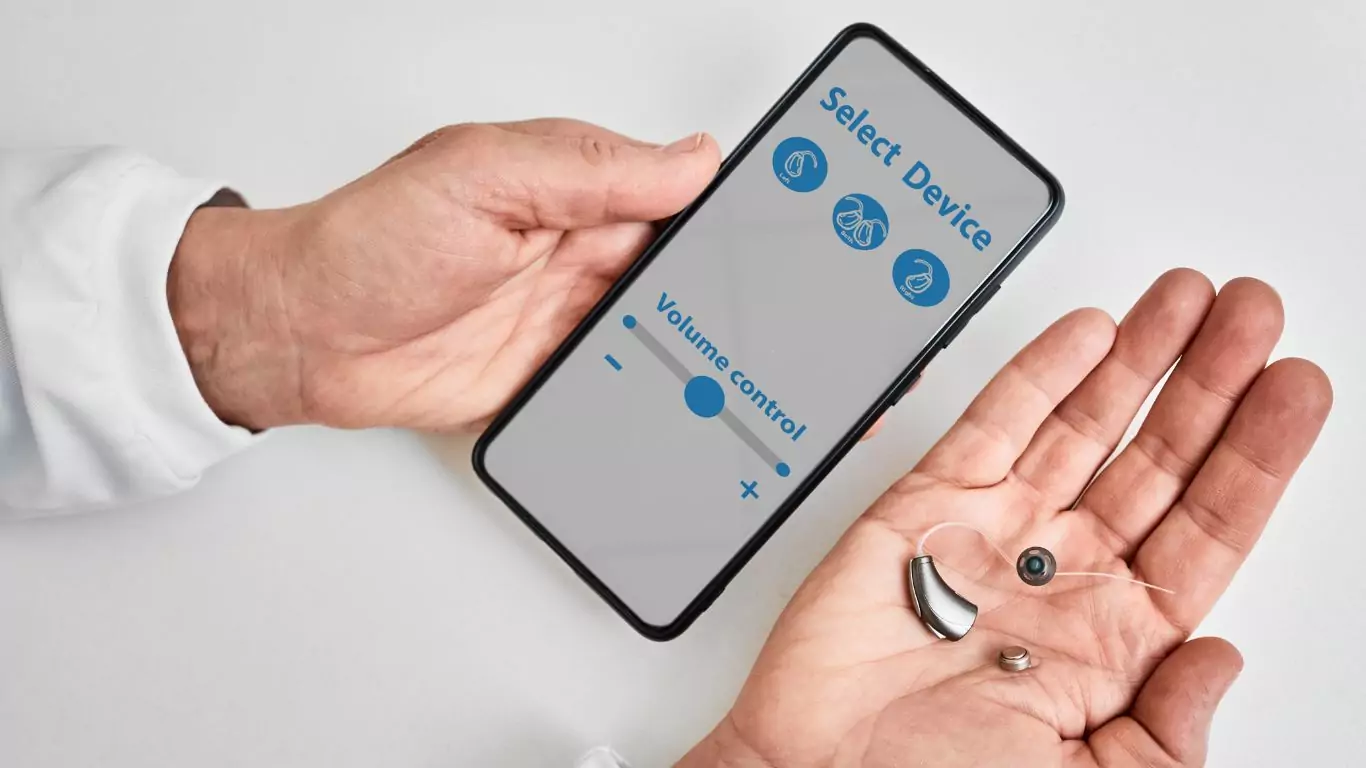
In today’s interconnected world, mobile applications serve as gateways to information, services, and experiences for diverse audiences. However, ensuring these…...
April 18 4 min read
Accessiblü Insight: Audits vs. Testing This Ablü Insight focuses on the differences between accessibility audits and testing. Clients are often…...
April 10 10 min read
In a significant move towards inclusivity, the Department of Justice (DOJ) recently issued a final rule under Title II of…...
 December 20 14 min read
Looking to improve your website’s accessibility in 2024? Don’t worry; our digital accessibility plan has you covered! Entering a new…...
December 11 10 min read
As businesses increasingly recognize the importance of creating inclusive digital experiences, there is a growing demand for manual accessibility audits.…...
December 01 10 min read
In today’s digital landscape, web accessibility is essential to ensuring equal access and inclusion for all users. Accessibility overlays have…...
November 07 11 min read
When it comes to evaluating the accessibility of your website or app, understanding which type of audit report is best…...
 September 18 15 min read
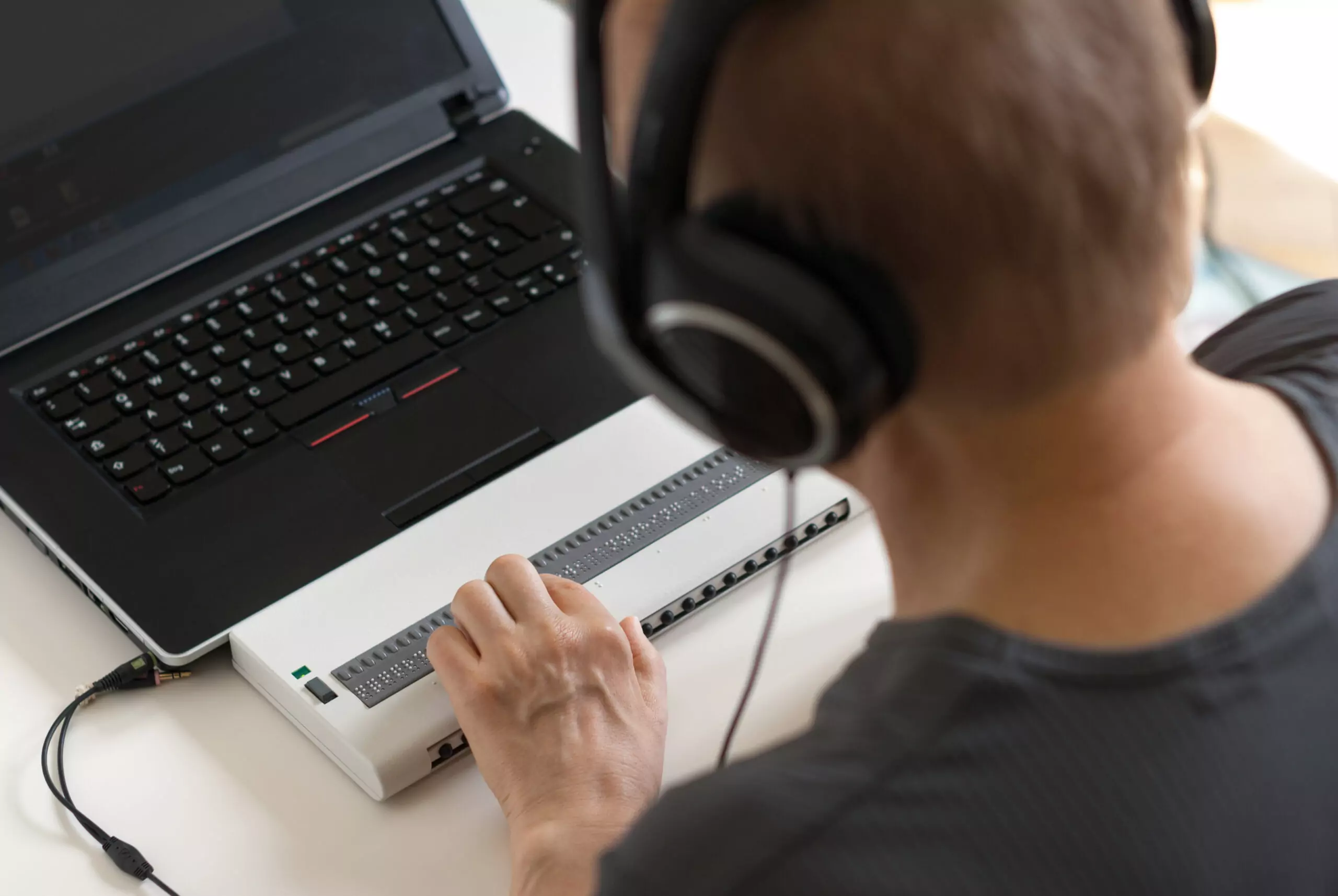
Accessibility is a fundamental aspect that all website owners and developers should consider. Understanding how people with disabilities navigate the…...
 September 01 10 min read
There’s been a buzz about the new WCAG 2.2 update for over a year now. After a series of delays,…...
 July 13 5 min read
If you own or operate a website used by the US federal government, you need to ensure it’s accessible to…...
June 29 14 min read
Businesses ready to make accessibility a priority often encounter a barrier of their own, determining the cost of a website…...
June 09 10 min read
Ensuring web accessibility is crucial for creating inclusive digital experiences that enable people with diverse abilities to access and interact…...
 October 31 11 min read
Over the years of working with businesses on accessibility conformance, we’ve seen the same mistakes made over and over again.…...

 August 19 9 min read
Digital Overlays are not accessible, and are not ADA compliant. Good web design from the beginning or an accessibility audit…...
August 12 9 min read
Digital Overlays are not accessible, and are not ADA compliant. Good web design from the beginning or an accessibility audit…...
 May 16 5 min read
Global Accessibility Awareness Day (GAAD) is every third Thursday in May – this year it is May 19, 2022 On…...
 October 15 5 min read
Website ADA audits are typically the initial offering from the accessibility industry; they promise to find all of the accessibility…...
 September 03 5 min read
TLDR: Ask your accountant about the Disabled Access Credit. You can claim 50% of what you spend on web accessibility…...