

Manual Accessibility Audits: The Costs, Benefits, and What to Expect

Jeffrey Rodgers
December 11 10 min read Image Caption
As businesses increasingly recognize the importance of creating inclusive digital experiences, there is a growing demand for manual accessibility audits. This opens the door to a host of questions about how much an accessibility audit costs, what to expect, and if it is even worth the investment.
Investing in a manual accessibility audit is not only a moral imperative but also makes good business sense. In this Accessiblü Insight, we’ll explore what goes into the cost of an accessibility audit, the benefits, and what you should expect.
What is a Manual Accessibility Audit, and Why You Need It?
A manual accessibility audit thoroughly examines a website’s accessibility features conducted by human experts. Unlike automated accessibility tools, which can only identify certain types of issues, a manual audit uncovers a wide range of accessibility barriers that automated scans may miss.
Any evaluation of a website’s accessibility features should examine the compliance with standards such as the Web Content Accessibility Guidelines (WCAG) and Section 508. A manual audit examines every single accessibility criterion against every element on a page.
Regardless of what automated tools promise. a manual audit is the only way to ensure all WCAG and 508 guidelines are checked.
When businesses conduct a manual accessibility audit, it helps to ensure that their websites are user-friendly for individuals with different disabilities. This includes people who rely on screen readers or keyboard navigation.
The Benefits of a Manual Accessibility Audit
Investing in a manual accessibility audit offers a range of benefits for businesses. Firstly, it helps ensure compliance with legal requirements and standards such as WCAG and Section 508.
Secondly, by identifying and addressing accessibility barriers, businesses can avoid potential lawsuits and penalties. Thirdly, manual audits also help improve the user experience for all your customers by ensuring all features and functions work for all people.
A more accessible website will reach a broader audience and improve customer satisfaction. Moreover, an accessible website can boost search engine optimization (SEO) efforts, as search engines prioritize websites that are accessible and user-friendly.
Key Elements of a Manual Accessibility Audit
There are several key elements that should be part of every manual accessibility audit.
- Perceivable. User interface (UI) components and all information is checked to ensure it is presented in multiple ways. This goes beyond ALT+Text for images, as designs, text, and structure are checked to make sure information and relationships are correct.
- Operable. All interactive elements, controls, and navigation are checked for operability. A website should be operable by all persons using different methods. Manual audits ensure that keyboards, gestures, and touch can operate a website besides a mouse.
- Understandable. All information and operations are checked to make sure all information is clear and easy for neuro-diverse, non-native language speakers and assistive technology to comprehend.
- Robust. All content is tested to ensure it can be compatible with a variety of user agents and assistive technology. This makes sure that states, properties, and values are programmatically set and able to communicate with assistive technology.
Can an app or a browser extension handle all those tasks? Nope. Not even close. Even, AI cannot efficiently check all 100 WCAG criteria like humans. That leads us to the next point.
The Difference Between Automated and Manual Accessibility Audits
We often hear this statement: “We checked our website with WAVE and Google’s Lighthouse and got good scores, so we don’t need an audit. We’re good.”
While automated accessibility tools can be useful for identifying certain types of accessibility issues, they do have limitations. A lot of limitations, in fact.
In fact, automated tools are only able to check a limited number of WCAG criteria. At best, they can only detect about 25-50% of all accessibility issues on your website. This means even with a “perfect” score of 100 on Lighthouse, you can still have significant issues.
The truth is that automated scans can miss complex issues that require human judgment and context. Even popular tools like WAVE, Lighthouse, and AXE DevTools have disclaimers that tell you their tools do not cover 100% of WCAG criteria.
The reputable accessibility tools also provide a list of WCAG criteria that MUST be manually checked!
Additionally, automated tools cannot assess the user experience from the perspective of individuals with disabilities. On the other hand, a manual accessibility audit conducted by human experts provides a comprehensive evaluation of a website’s accessibility, taking into account the unique needs of individuals with disabilities.
How a Manual Accessibility Audit Aligns with WCAG and 508 Standards
The Web Content Accessibility Guidelines (WCAG) and Section 508 provide a set of standards and guidelines for creating accessible digital content. A manual accessibility audit aligns with these standards by evaluating a website’s compliance with WCAG and Section 508 requirements. By conducting a manual audit, businesses can ensure that their websites meet these accessibility standards and provide equal access to all individuals.
Why Automated Accessibility Tools are Limited
Automated accessibility tools have their limitations when it comes to evaluating a website’s accessibility. While these tools can detect common issues, such as missing alternative text for images or improper heading structure, they often fail to identify more complex accessibility barriers.
Automated tools cannot assess the user experience from the perspective of individuals with disabilities and may generate false positives or false negatives. Therefore, relying solely on automated tools can lead to a false sense of accessibility compliance.
The Role of Screen Readers and Keyboards in Manual Accessibility Audits
Screen readers and keyboards play a crucial role in manual accessibility audits. Screen readers are assistive technologies that read aloud the content of a webpage, allowing individuals with visual impairments to access information.
However, screen readers are more than just a text-to-speech app. They allow users to interact with a web page and also users to use shortcuts and commands to quickly move through a page like sighted users can.
During a manual accessibility audit, experts test the website’s compatibility with screen readers to ensure the content is properly read and navigable. Similarly, keyboard navigation is essential for individuals who cannot use a mouse. Manual accessibility audits include testing the website’s functionality and navigation using only a keyboard to identify barriers.
Further Reading: How Disabled Persons Navigate the Web.
How a Manual Audit Improves User Experience
Investing in a manual accessibility audit not only ensures compliance with accessibility standards but also improves the user experience for all individuals. By addressing accessibility barriers, businesses create a more inclusive and user-friendly website.
For individuals with disabilities, an accessible website means equal access to information and services. For all users, an accessible website means a seamless and enjoyable browsing experience. By prioritizing accessibility, businesses can enhance customer satisfaction and loyalty.
Real-Life Examples of the Impact of Manual Accessibility Audits
The impact of manual accessibility audits can be seen in real-life examples. For instance, we conducted a manual audit for a popular e-commerce supplier of beef products. Accessiblü also remediation and worked with them to incorporate our design recommendations. As a result, the website experienced an increase in traffic and conversion rates from individuals with disabilities.
Similarly, Accessiblü assisted a national insurance company to improve its public-facing website’s accessibility after conducting a manual audit. This led to positive feedback from users, including individuals with disabilities, who found the website easier to navigate and use.
The Cost of a Manual Accessibility Audit and Its Long-Term Value
The cost of a manual accessibility audit can vary depending on the size and complexity of the website as well as the standards assessed. The truth is that the cost of a manual audit can range from a few thousand dollars to tens of thousands. Here’s why.
When done right, manual audits take time.
There are nearly 100 WCAG criteria to check. As we explained above, automated tools can only do so much. That means most accessibility items need to be checked by a real person using assistive technology. Factor in the need to check pages on different operating systems, mobile devices, and screen readers, and you can see how time-intensive audits can be.
The best approach is to consult with a professional to explore your options. Together, you should be able to find a way to meet your goals and stay within a budget. At Accessiblü, our managed accessibility ops combine the audit and remediation process to help reduce the overall time and cost of a manual audit.
What’s the alternative?
Cost of a Manual Audit vs. the Cost of Non-Compliance
The cost of not investing in accessibility can be much higher, both financially and reputationally. Non-compliance with accessibility standards can result in legal issues, lawsuits, and damage to a company’s brand.
On the other hand, investing in a manual accessibility audit demonstrates a commitment to inclusivity and can attract a wider customer base. It also helps businesses avoid potential legal consequences and fosters a positive reputation.
Regardless of how much you invest, a manual audit is an investment with long-term value.
Making the Business Case for Investing in a Manual Accessibility Audit
To make a compelling business case for investing in a manual accessibility audit, it is essential to highlight the potential benefits and cost savings. By investing in accessibility, businesses can expand their customer base, improve customer satisfaction, and enhance their brand reputation.
Moreover, an accessible website can lead to increased conversions and revenue. Additionally, a manual accessibility audit helps businesses avoid legal issues, penalties, and associated costs. By prioritizing accessibility, businesses can demonstrate their commitment to social responsibility and inclusivity.
How to Choose the Right Provider for a Manual Accessibility Audit
Choosing the right provider for a manual accessibility audit is crucial to ensure a thorough and accurate evaluation. When selecting a provider, consider their expertise and experience in conducting manual accessibility audits.
Look for providers who are knowledgeable about WCAG and Section 508 standards and have a track record of delivering high-quality accessibility evaluations. Ask if their auditors have IAAP credentials or if they are Department of Homeland Security Trusted Testers.
Additionally, consider their ability to provide actionable recommendations and ongoing support. A reputable provider should offer detailed reports, clear documentation, and assistance in implementing accessibility improvements. Otherwise, all you get is a list of problems.
Further reading: The ABC’s of Accessibility Audit Reports. Which is Best for Your Business?
Conclusion
Investing in a manual accessibility audit is a wise decision for businesses seeking to create inclusive and accessible digital experiences. By understanding the importance of web accessibility and the benefits of a manual audit, businesses can make informed decisions that align with WCAG and Section 508 standards.
By prioritizing accessibility, businesses can improve the user experience, reach a broader audience, and avoid potential legal consequences. It is crucial to recognize that relying solely on automated tools and overlays can miss critical accessibility issues.
Therefore, manual audits are the best way to know how accessible a website truly is. Take the first step towards a more inclusive digital presence by investing in a manual accessibility audit today.
 October 22 10 min read
If you think accessibility compliance testing means running a quick automated scan and checking your site with one screen reader,…...
 October 17 12 min read
Part 4 of 4: Why the Traditional Audit-Fix-Reaudit Cycle Keeps CFOs Awake at Night I was on an initial sales…...
 October 03 12 min read
I got an email last week that made me both laugh and cringe at the same time. A procurement manager…...
August 06 11 min read
How the traditional audit-first approach keeps businesses stuck in an expensive cycle of non-compliance—and what actually works instead. If you’re…...
 July 31 9 min read
Why We Recommend Managed Accessibility Ops Over Traditional Audits When potential clients reach out to Accessiblü, most ask for the…...
 April 28 12 min read
In today’s digital landscape, accessibility isn’t just a nice-to-have—it’s increasingly becoming a business imperative. If you’re a CEO, CTO, or…...
April 03 11 min read
In my years leading digital accessibility initiatives, I’ve witnessed a recurring pattern: organizations invest heavily in accessibility audits, only to…...
March 23 5 min read
In the digital age, where customer satisfaction and brand loyalty drive success, ensuring your digital assets are accessible is not…...
 November 08 8 min read
Before joining Accessiblü, I spent 20 years as an instructional designer, accessibility specialist, and LMS administrator in higher education. In…...
 September 19 11 min read
Digital accessibility is a complex challenge. Businesses often struggle to know where to start, lacking a clear understanding of how…...
 September 16 9 min read
As the digital space continues to play a crucial role in modern political campaigns, accessibility remains a key concern that…...
 September 05 8 min read
Digital accessibility presents a significant challenge for company executives. Many leaders mistakenly view it as a simple fix or an…...
 August 28 9 min read
In today’s digital-first world, ensuring your website, desktop applications, and mobile apps are accessible is not just a matter of…...
 August 28 5 min read
Are you responsible for ensuring digital accessibility on your company’s website, app, or digital assets? Then you know that in…...
July 01 9 min read
Ensuring digital accessibility is a crucial responsibility, yet interpreting and addressing the findings from accessibility audits can pose significant challenges…...
 June 28 7 min read
In today’s interconnected world, mobile applications serve as gateways to information, services, and experiences for diverse audiences. However, ensuring these…...
April 18 4 min read
Accessiblü Insight: Audits vs. Testing This Ablü Insight focuses on the differences between accessibility audits and testing. Clients are often…...
April 10 10 min read
In a significant move towards inclusivity, the Department of Justice (DOJ) recently issued a final rule under Title II of…...
March 15 12 min read
Knowing what to ask for in an accessibility contract or Request For Proposal (RFP) will help ensure that you get…...
 January 23 15 min read
Looking for WCAG explained in a way that’s easy to understand? We know that trying to read and apply the…...
 December 20 14 min read
Looking to improve your website’s accessibility in 2024? Don’t worry; our digital accessibility plan has you covered! Entering a new…...
 December 01 10 min read
In today’s digital landscape, web accessibility is essential to ensuring equal access and inclusion for all users. Accessibility overlays have…...
November 07 11 min read
When it comes to evaluating the accessibility of your website or app, understanding which type of audit report is best…...
 September 18 15 min read
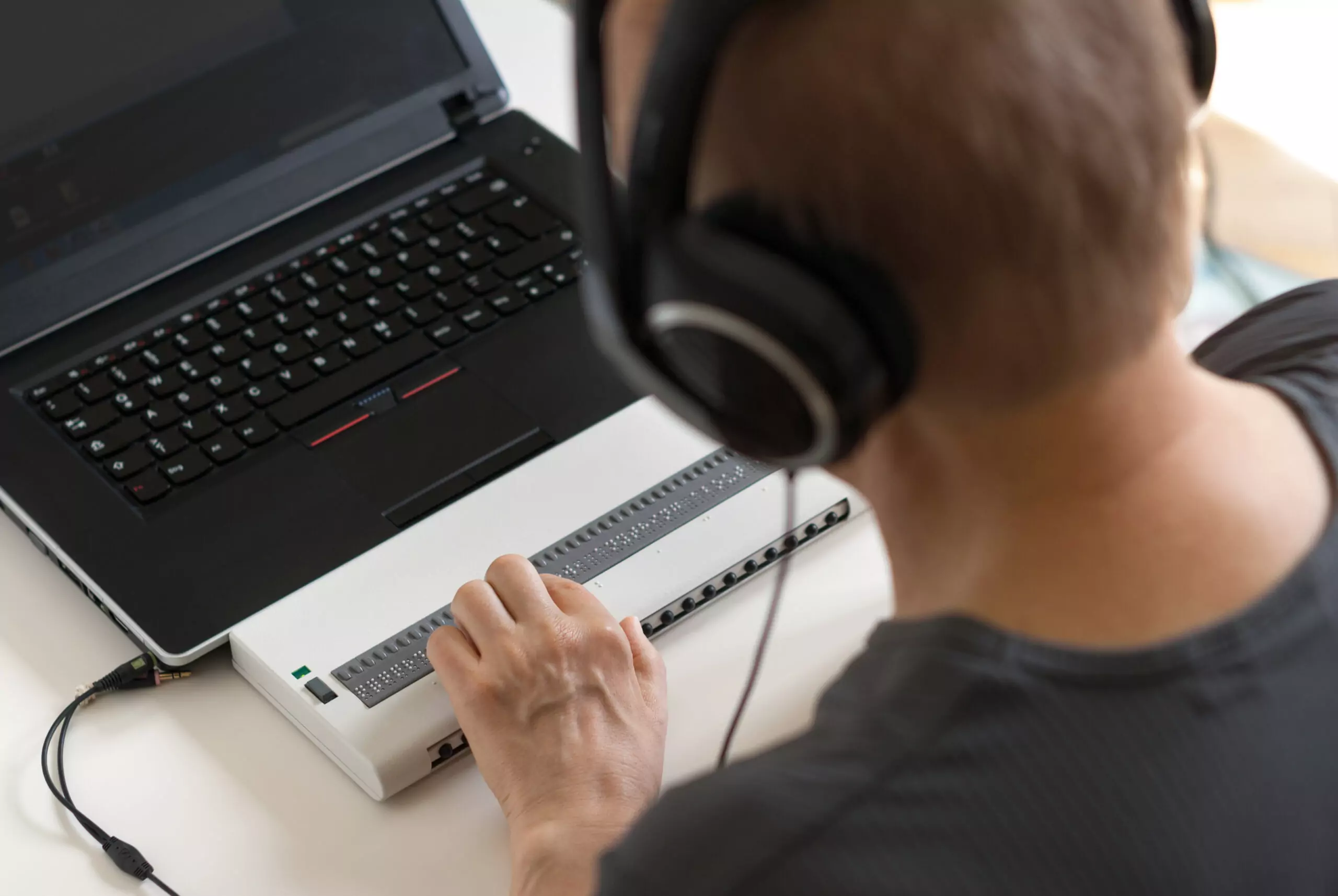
Accessibility is a fundamental aspect that all website owners and developers should consider. Understanding how people with disabilities navigate the…...
 September 01 10 min read
There’s been a buzz about the new WCAG 2.2 update for over a year now. After a series of delays,…...
June 29 14 min read
Businesses ready to make accessibility a priority often encounter a barrier of their own, determining the cost of a website…...
 June 09 10 min read
Ensuring web accessibility is crucial for creating inclusive digital experiences that enable people with diverse abilities to access and interact…...
 April 28 11 min read
Unlocking the Power of Accessibility: A Guide to Creating Inclusive Websites As web developers, we believe creating an accessible, inclusive,…...
 October 31 11 min read
Over the years of working with businesses on accessibility conformance, we’ve seen the same mistakes made over and over again.…...
 August 19 9 min read
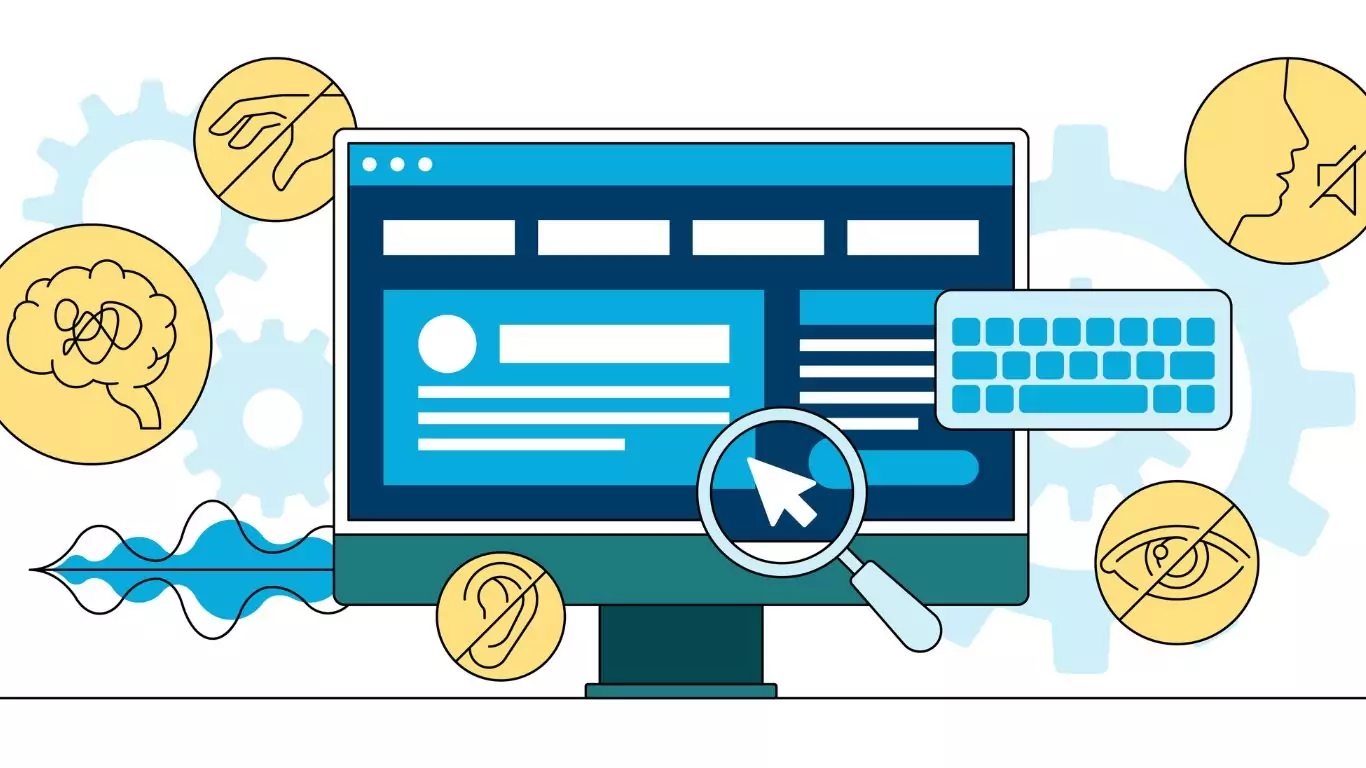
Digital Overlays are not accessible, and are not ADA compliant. Good web design from the beginning or an accessibility audit…...
August 12 9 min read
Digital Overlays are not accessible, and are not ADA compliant. Good web design from the beginning or an accessibility audit…...
 May 16 5 min read
Global Accessibility Awareness Day (GAAD) is every third Thursday in May – this year it is May 19, 2022 On…...
 October 15 5 min read
Website ADA audits are typically the initial offering from the accessibility industry; they promise to find all of the accessibility…...
 September 03 5 min read
TLDR: Ask your accountant about the Disabled Access Credit. You can claim 50% of what you spend on web accessibility…...